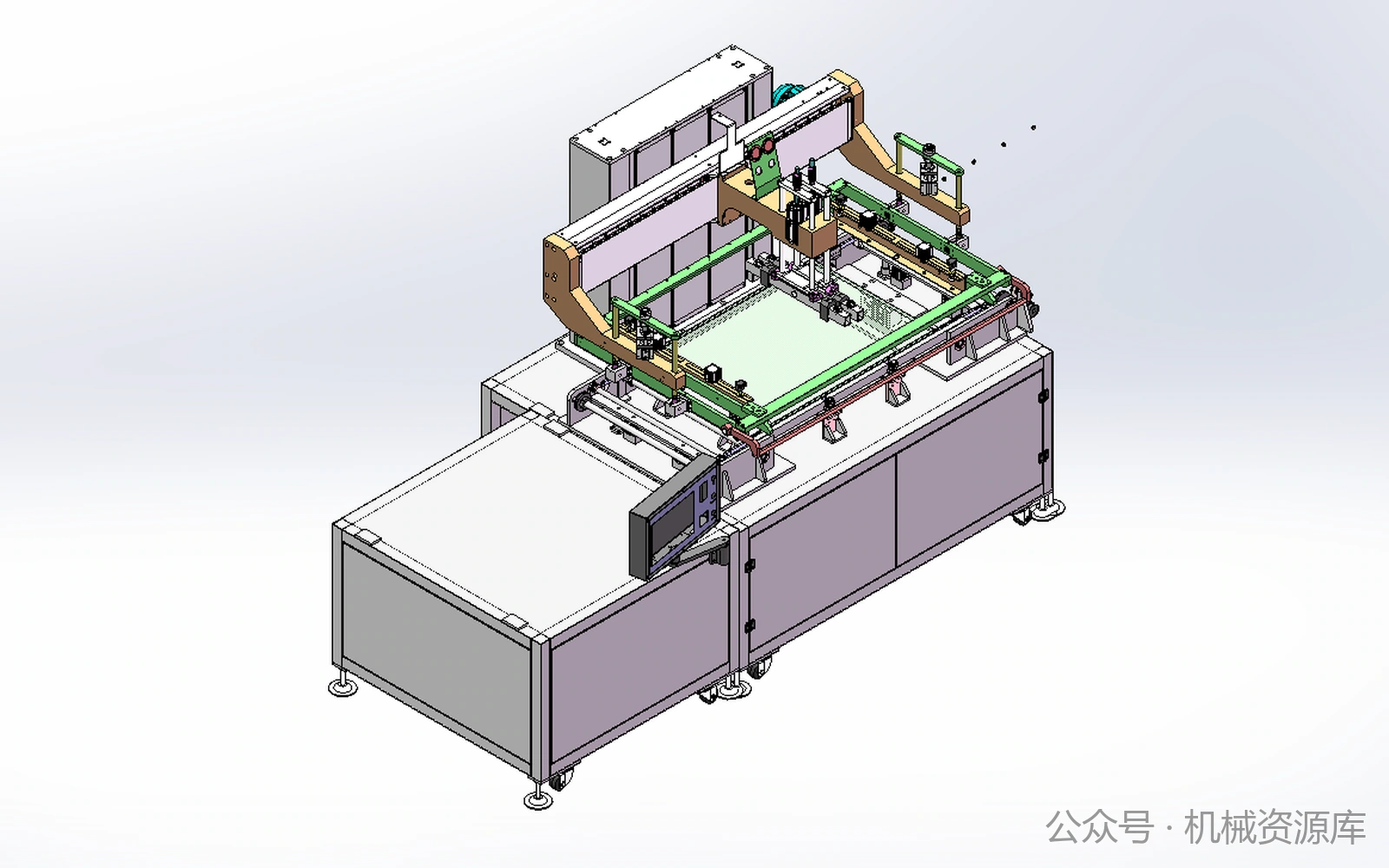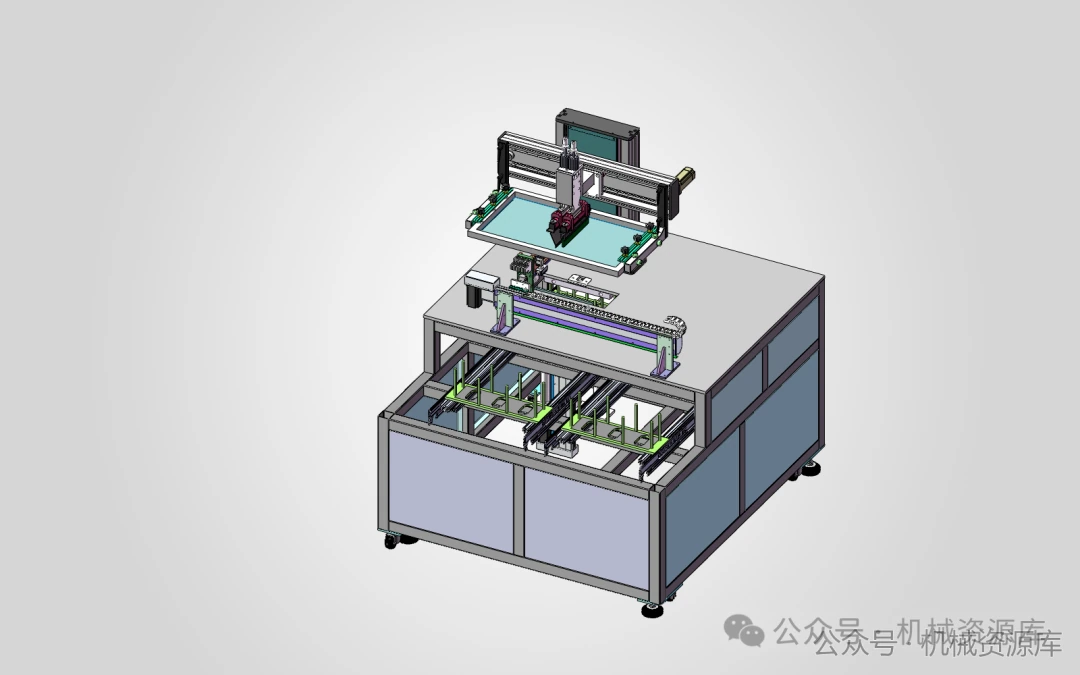
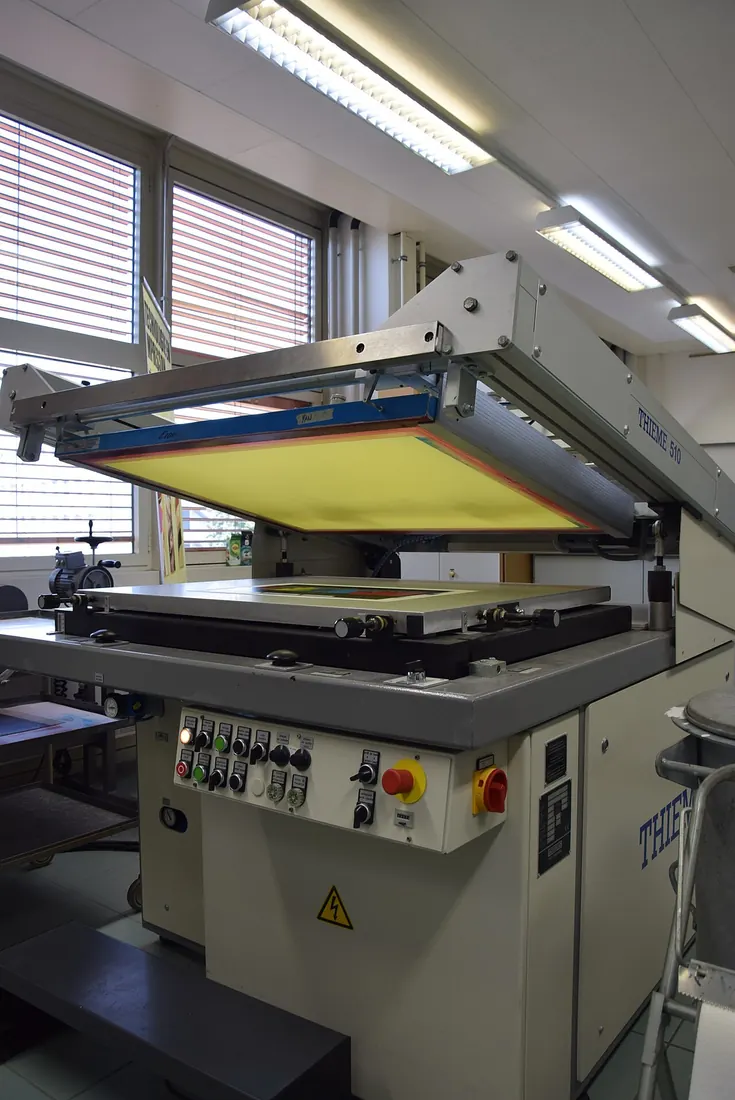

What it does
Pushes ink through open image areas of a screen onto flat or suitable curved part surfaces.
How it works
The stencil blocks non-image mesh openings, and as the squeegee moves it presses ink through the open image areas. The part is located by a fixture or table, and the ink layer stays behind when the screen lifts; curved-surface machines also coordinate screen, squeegee and holding motion with the part shape.
Process sequence
- Mount the screen, add ink and locate the part
- Flood the ink
- Print with the squeegee
- Lift off and remove the part
- Dry or cure per the ink system
- Check image and adhesion
Key inputs
- Mesh count, tension and stencil thickness
- Ink rheology and part surface
- Squeegee hardness and angle, snap-off and locating
Common problems
- Clogged mesh causing missing print
- Nicked squeegee causing streaks
- Poor snap-off causing smearing, distortion or ghosting
Limits of application
- Flat and cylindrical machines synchronize motion differently
- Printable materials and adhesion depend on ink, surface treatment and curing, not just on whether the part can be held
Functional modules
Screen and frame
Hold the mesh and image stencil
Squeegee and flood bar
Press ink through and replenish the ink layer
Part locating
Holds print position and support
Lift and curing
Separate from the screen and dry the ink
Manufacturer & technical sources
Continue with manufacturer product pages, operating principles and technical information for this equipment type.
art-design-glossary.musabi.ac.jpMusashino Art University: open stencil areas and squeegee printing in screen printingwww.isimat.comISIMAT: synchronized screen printing of hollow containers and conical partsart-design-glossary.musabi.ac.jpMusashino Art University: squeegee edge, hardness and even printing pressure